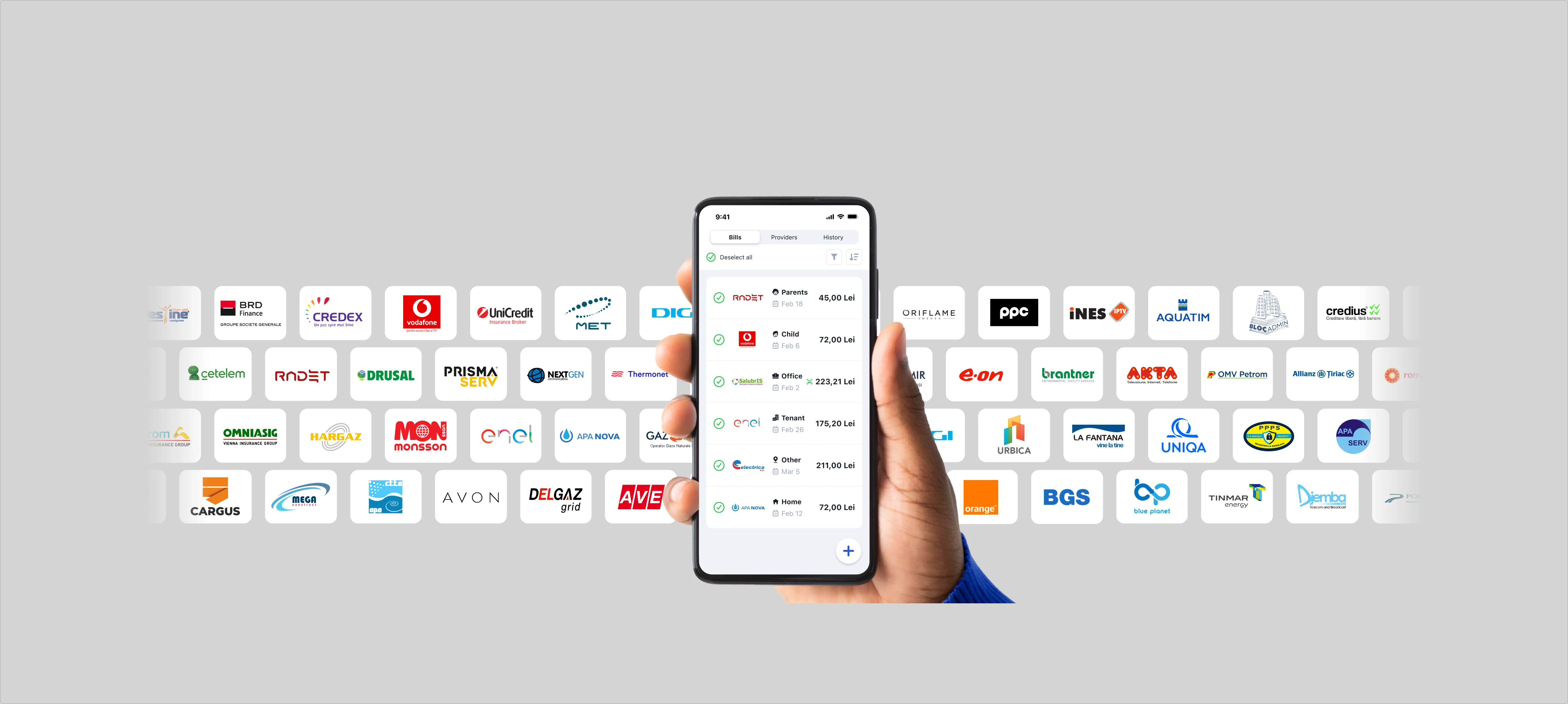
The first and most advantageous option is to sync your online account. You connect your accounts once, and then:
✅ bills are automatically imported into the app after they are issued
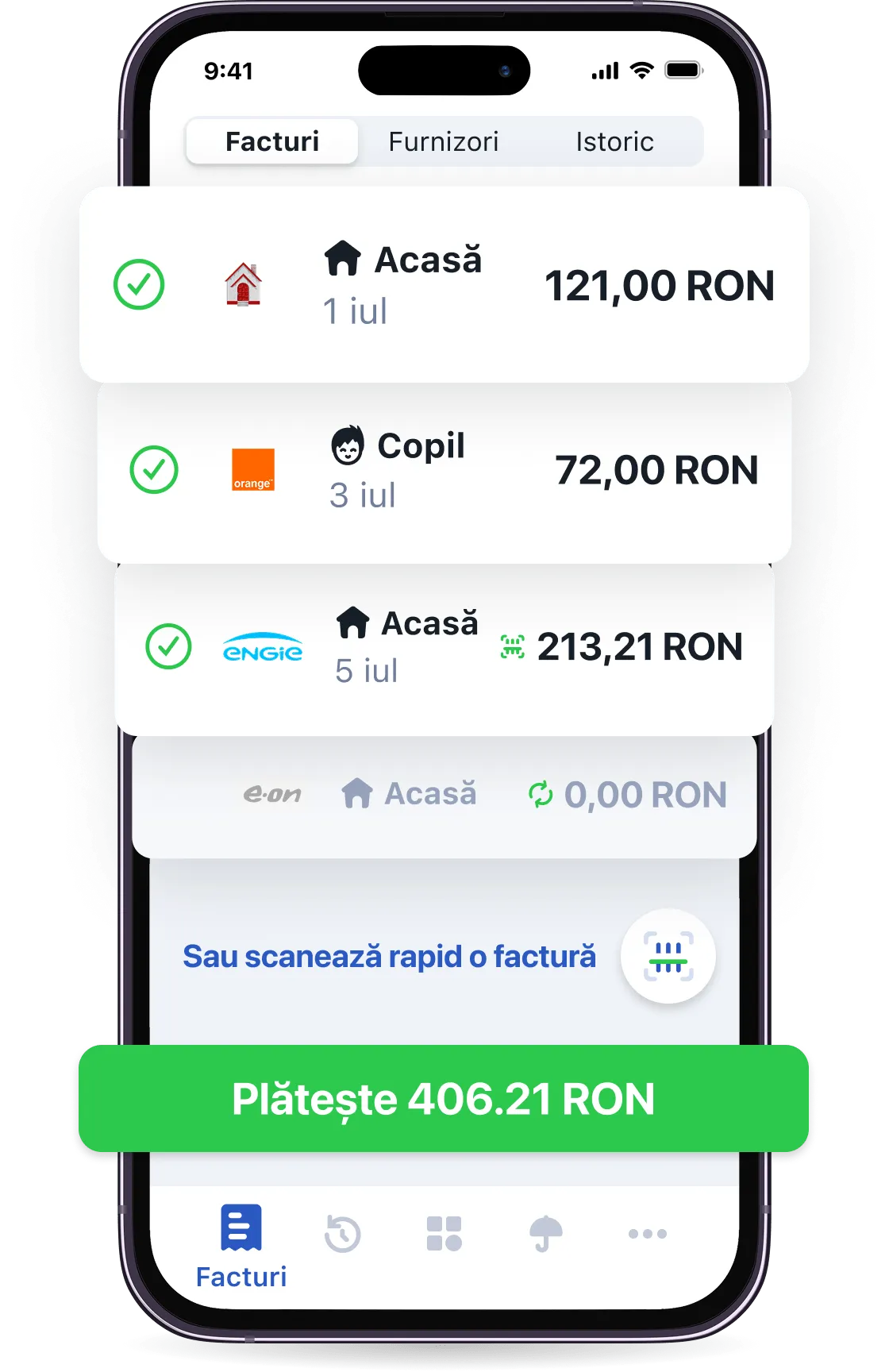
🔔 you receive notifications when they are due and you can pay them in seconds, either individually or all at once with a single confirmation
⏰ you have access to your entire payment history, not just payments made through Pago
For more details on syncing supplier accounts in Pago, read "All about Pago suppliers: how to connect a supplier".
Don't have an online account with your supplier? No problem. You can also pay your bills by scanning the barcode. Scanning also works if you have your bill in digital format — it doesn't need to be printed.
However, we recommend syncing your suppliers in Pago for the following reasons:
✅ scanned invoices are not synchronized with the supplier's account
✅ if you pay your invoice outside the app, on the supplier's website or by other means, it will not be updated in the app — in this case, you can mark the invoice as paid in Pago by tapping on it in the list of invoices in the app
✅ if you have a new invoice, it will not appear in your invoice list automatically
✅ you will not receive notifications when a new invoice is issued

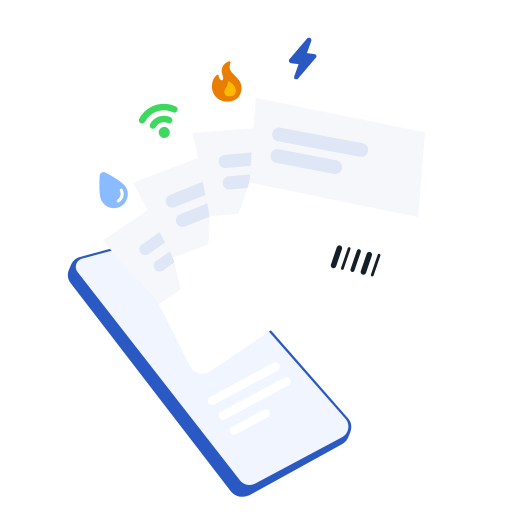 All your utility bills in one place
  Get notifications for new and due bills
  550,000 monthly active users across Pago and partner apps
  Pay everything easily and fast with a single tap
  Access your payment history anytime you need
  Earn cashback points in the app